
Encrypted on your PC. Open in Explorer.
Seeklet Drive is cloud storage for Windows that encrypts every file on your computer before it uploads, then puts your files back in Windows Explorer, where you already work.
In private testing. Early access opening soon.
How it works
Your PC does the encrypting, the cloud holds encrypted pieces, and Explorer shows you your files.
Encrypted before it leaves
The Drive app encrypts each file on your PC, in pieces, before anything is uploaded. Only you hold the recovery key that unlocks them, so the server stores data it can't read.
A folder in Explorer
Unlock Drive and a Seeklet Drive folder appears in Explorer's left pane, with every file and folder in place. Nothing downloads until you open something.
Opens what you read
Open a file and Drive downloads and decrypts only the pieces the program asks for, checking each one before Windows gets it. Large files start quickly.
Keep it here, or free up space
Right-click a file or folder in Explorer to always keep it on this PC, or to free up space and leave it in the cloud.
Changes follow you
Rename, move, upload or trash something on another device and it shows up in Explorer on its own within seconds.
A trash that waits
Deleted files sit in the trash for 30 days, so you can put them back, before they go for good.
The app
Screenshots from a private test build, using a test account with sample files.
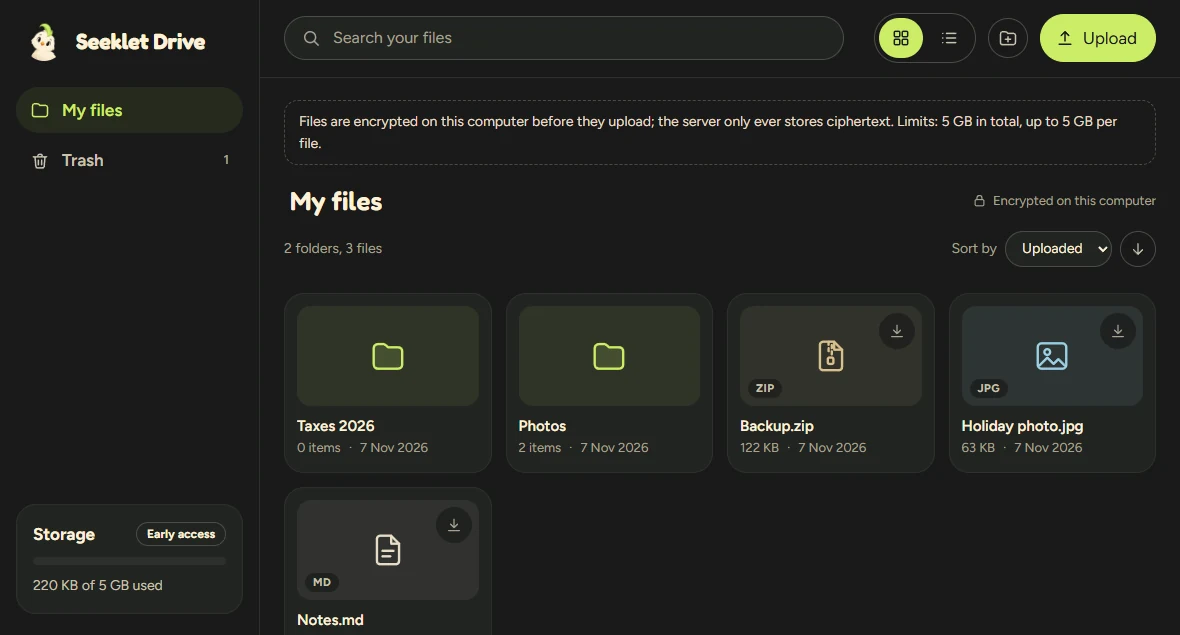
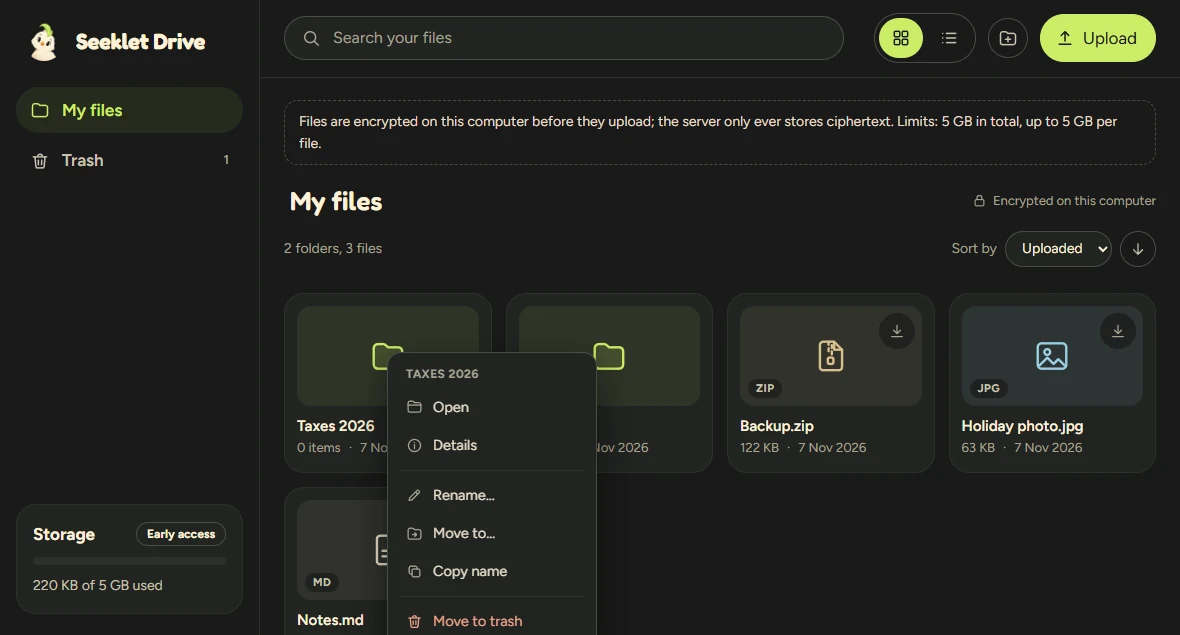
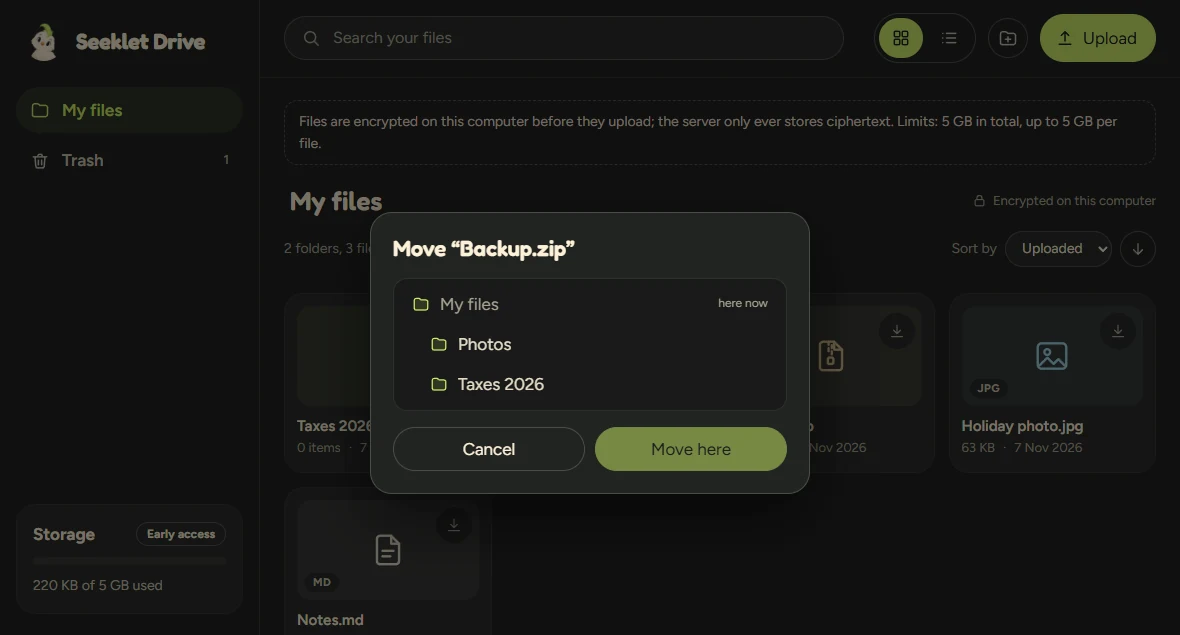
Where it is today
The honest status, so nothing surprises you later.
Can I get it?
Not yet. Drive is in private testing with a few people. Early access, by invitation, is opening soon. There is no download yet.
What does it cost?
The plan is $11 per TB a month, adding as many terabytes as you need. Nothing is on sale yet. Pricing
Can I edit files in Explorer?
Not yet. In Explorer you can open and read files and choose what stays on your PC. Uploading, renaming and moving happen in the app for now; editing from Explorer comes later.
Has the encryption been audited?
No, not yet. An outside review of the encryption is planned before the public release.
Try the design preview
An interactive mock-up of the Drive app that runs in your browser with sample files. It is a design preview, not the real app: nothing is encrypted, uploaded or saved.